
01Messinia
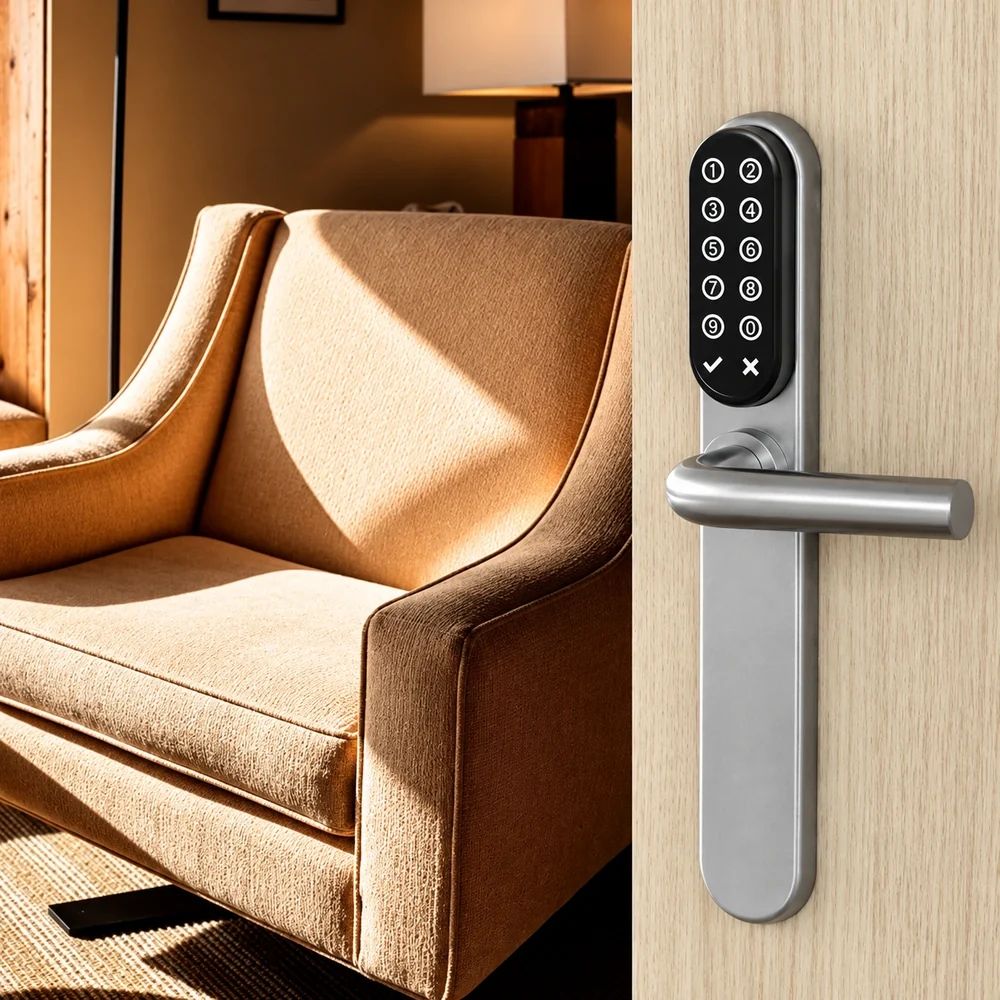
Self check‑in
Guests get in with a code, card, smartphone or fingerprint, without a reception desk.
Electronic locks for self check‑in at Airbnb properties, holiday rentals and small hotels, from Lockin and TESA Assa Abloy.
Tell us about your property and request a quote. For technical help, the NAL support line is at your service.
01The solutions
A smart lock with an app, a keypad lock for properties without a reception desk, and a wall reader for code and card.

Opens with a fingerprint, app, code or voice command. Installation in 10–15 minutes.
View solution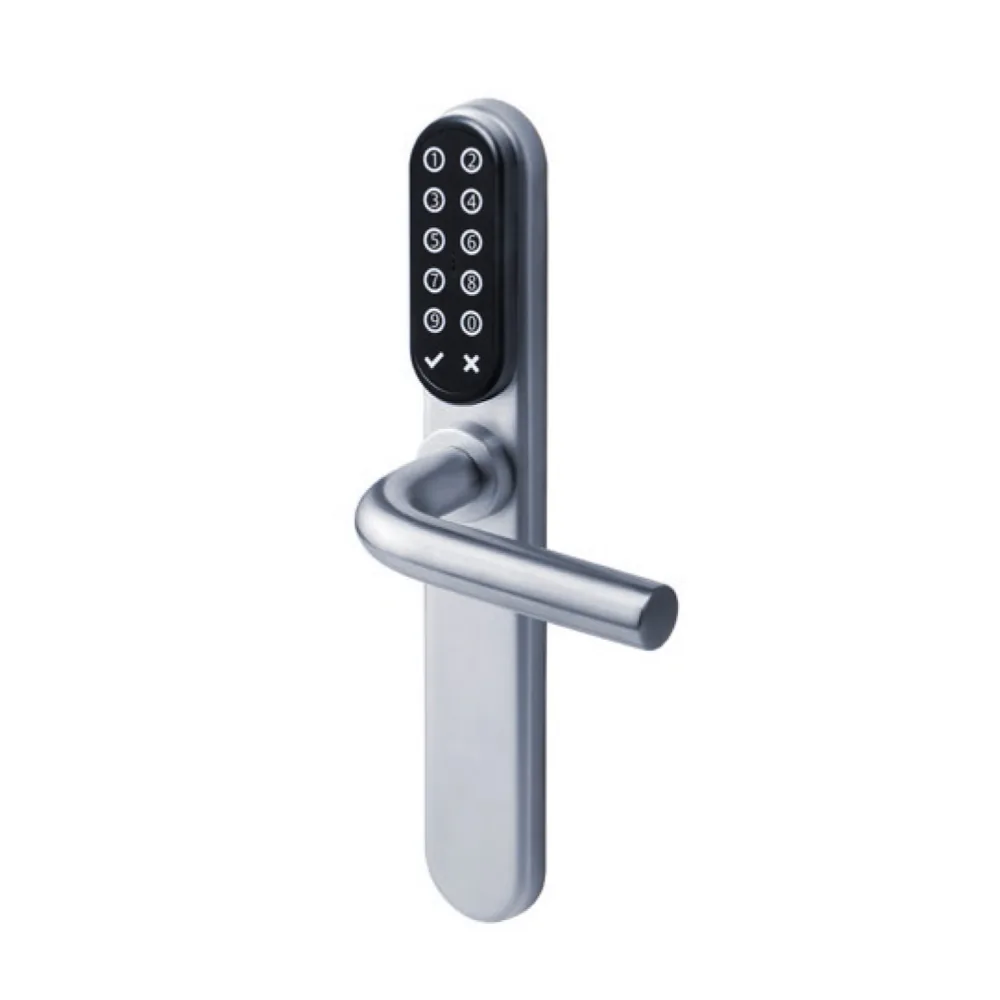
The guest enters with a PIN, which the system can send them by email. RFID card and smartphone on the same lock.
View solution
Wall reader combining a keypad and RFID card, compatible with TESA’s wireless technology.
View solution02How guests get in
Guests get in with their own code.
With the TESA i‑max with Keypad, the system can automatically email the guest their PIN code, which can expire at check‑out.
With the Lockin G30, you issue guest access codes on the Keypad Pro keypad, add or delete members and manage access codes.
The TESA Spy Keypad wall reader and the i‑max with Keypad accept both a code and an RFID card.

03Lockin Smart Lock G30
Fingerprint, app, code or voice command.
You install the Lockin Smart Lock G30 yourself in 10–15 minutes, and it gives you full control any time, anywhere, with auto-lock.
04Selected projects







05Documents
Download the product brochures for detailed technical specifications.
06Frequently asked questions
Didn’t find the answer you’re looking for? Contact us.
Contact usWith the TESA i‑max with Keypad, guests enter with a personal PIN, which the system can send them automatically by email. With the Lockin G30, they enter with an access code on the Keypad Pro.
On the i‑max with Keypad, the PIN code can expire automatically at check‑out.
You install it yourself (DIY) and it takes 10–15 minutes.
Up to 50 PIN code groups and up to 20 fingerprint groups.
Yes. It supports unlocking with a voice assistant, via Google Home or Alexa.
The i‑max with Keypad supports self‑programming from the keypad, without software: enrolling and cancelling up to 500 proximity cards and up to 100 PIN codes (4–6 digits).
Contact
Tell us about your property and its needs, and request a quote.
Fill in the contact form and we will get back to you.
Contact usFor trade orders, continue to the NAL B2B Eshop.
Go to the B2B Eshop