
Lockin
Smart lock for self check‑in Smart Lock G30
Opens with a fingerprint, the Lockin Home app, a PIN code or a voice command, and locks automatically.
- Fingerprint
- App
- PIN code
- Voice command
- 10–15 minutes
- Install it yourself (DIY)
- Up to 50
- PIN code sets
- Google Home · Alexa
- Voice assistant
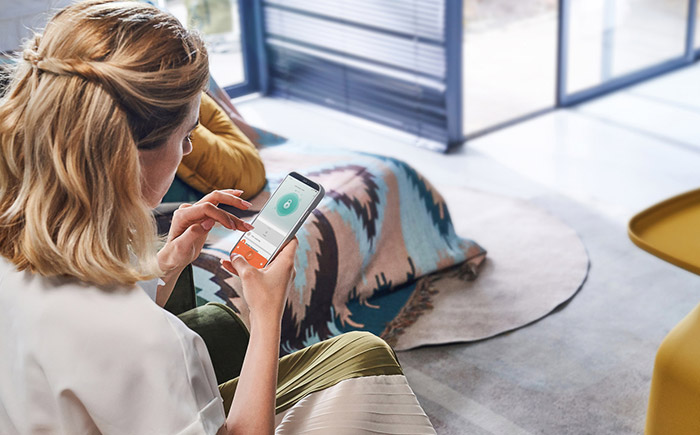
Image 1 of 6
01Description
Forget about keys
Forget about keys and traditional door locking. The Lockin Smart Lock G30 gives you easy installation, full control anytime, anywhere, opening by fingerprint or voice command, and automatic locking.
The door unlocks in three ways: by fingerprint, with the Lockin Home app and with access codes. Easy, secure access for everyone, from family members to authorised maintenance technicians and housekeepers.
02Features
Features
Key features
- Three ways to unlock: fingerprint, Lockin Home app, access codes
- Access authorisation: add or delete members, manage access codes
- Remote monitoring: status check and history (log)
- Easy installation: 10–15 minutes, by yourself (DIY)
- Automatic locking (Auto‑Lock), with a door sensor
- Opening by voice command, via Google Home or Alexa
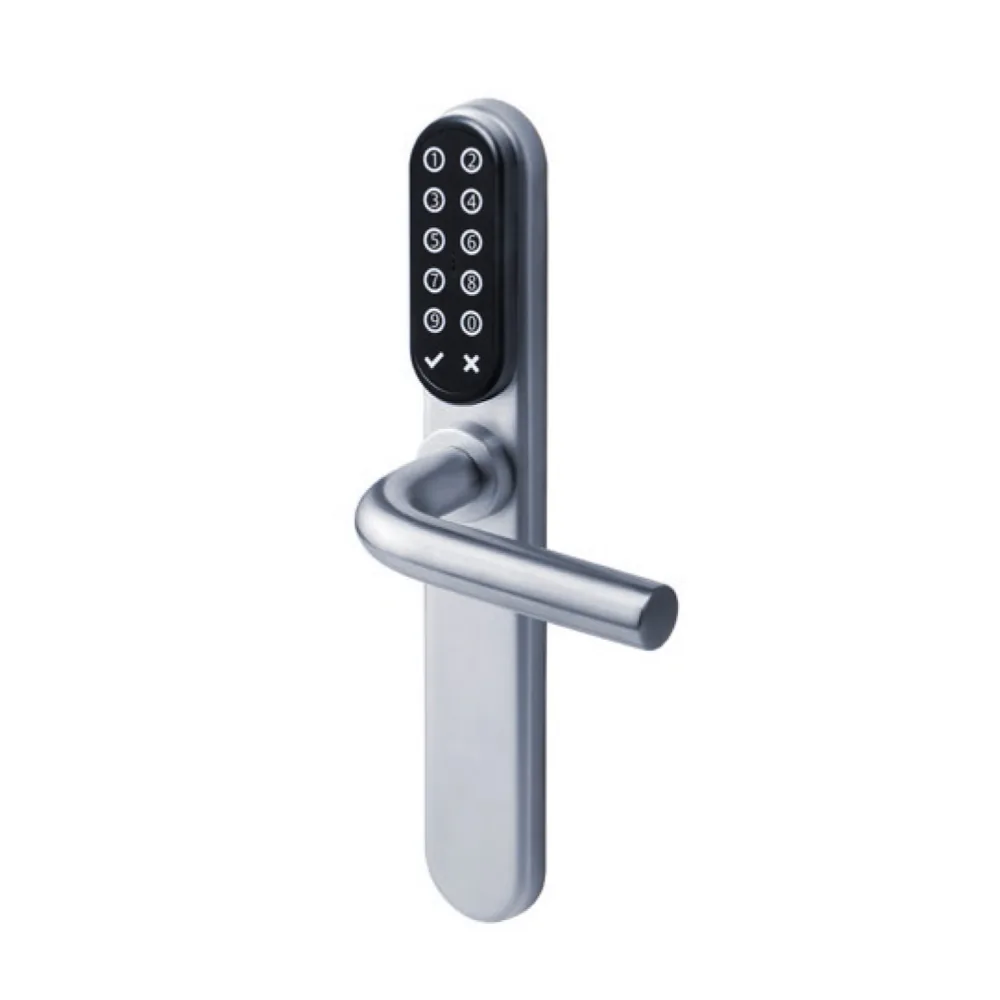
Keypad Pro keypad
- Waterproof and wireless, works with the G30
- One-touch unlocking
- Secure access code entry
- LED backlighting
- Access codes for guests
- IPX5 water resistance rating
03Specifications
Technical details
For any technical questions, the NAL support line is on 6944 705 705.
Lock
- Unlocking methods: fingerprint, app, PIN code, voice assistant
- PIN codes: up to 50 sets
- Fingerprints: up to 20 sets
- Voice assistant: Google Home / Alexa
- Connectivity: Wi‑Fi (Wi‑Fi Bridge required), Bluetooth
- Auto‑Lock: supported, with a door sensor
- Colour: grey
Power supply
- 4 AA batteries
- Low-battery alert
Dimensions and weight
- L 125 × W 62 × H 57 mm
- Weight: 345 g (including batteries)
Temperature
- Operating, lock: 0 °C to 50 °C
- Operating, keypad: −10 °C to 50 °C
- Storage: −30 °C to 70 °C
Installation and accessories
- Installation time: 10–15 minutes
- Accessories: Keypad Pro, Wi‑Fi Bridge
04Video
Videos and installation guides
The Lockin Smart Lock G30 on video
Lockin Smart Lock G30 lock
How to install the Smart Lock G30
How to connect the Wi‑Fi Bridge to the G30
How to connect the keypad to the G30
Videos load from YouTube when you press play.
05See also
Other self check‑in solutions
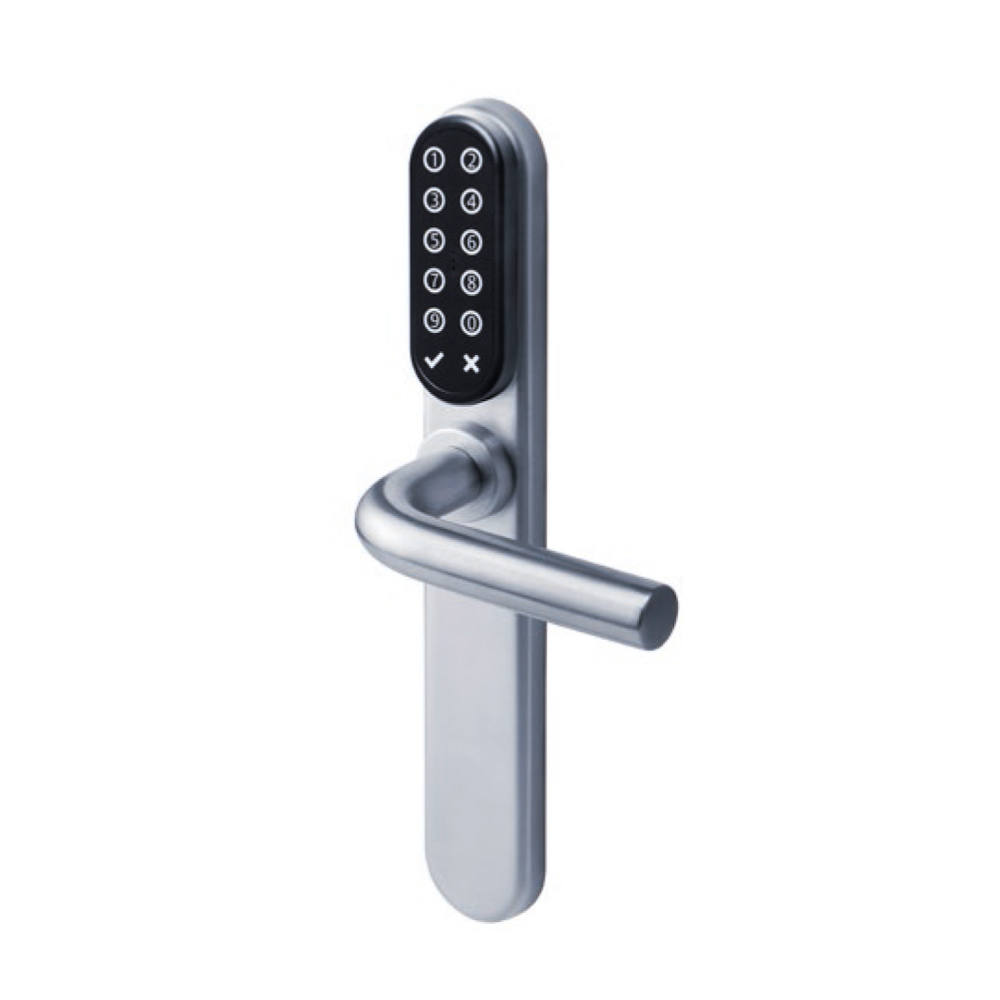
i‑max with Keypad
The guest enters with a PIN, which the system can send them by email. RFID card and smartphone on the same lock.
View product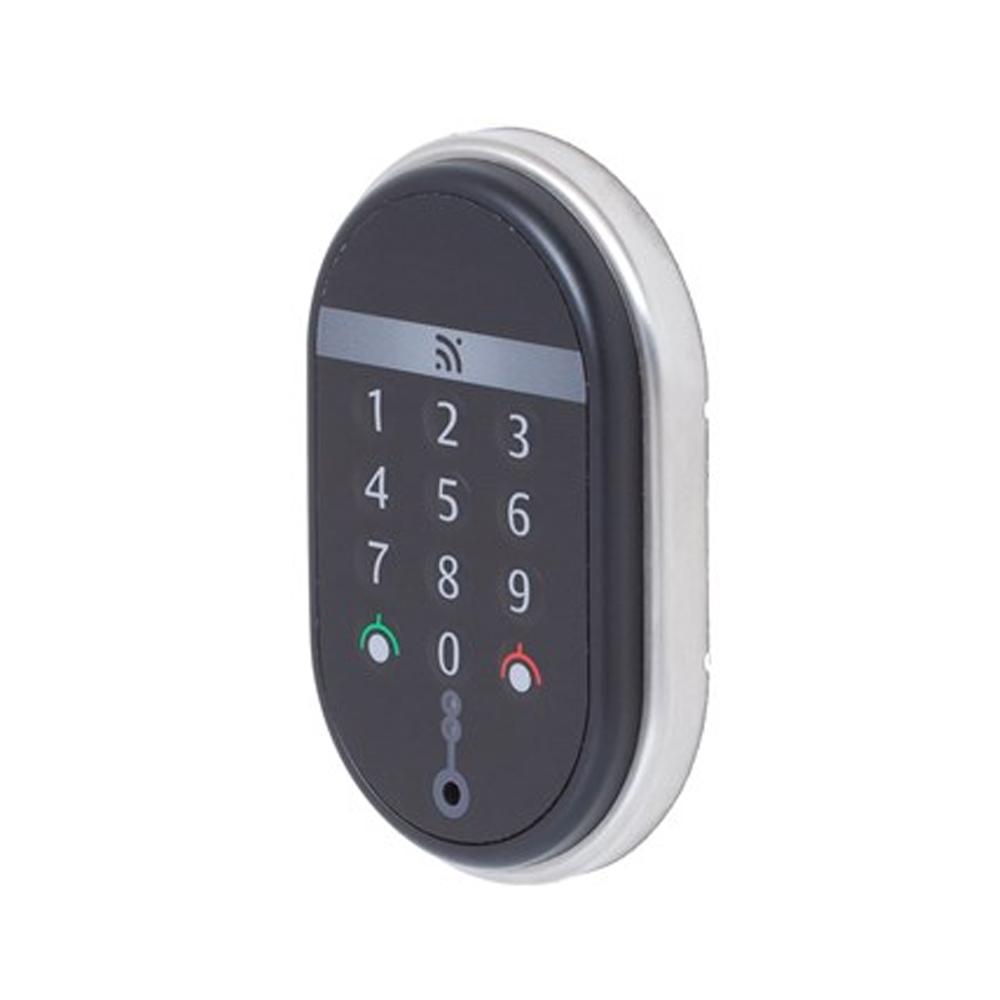
Spy Keypad
Wall reader combining a keypad and RFID card, compatible with TESA’s wireless technology.
View producti‑max with Keypad
Access by PIN, RFID card or smartphone. For rental properties without a reception.
View product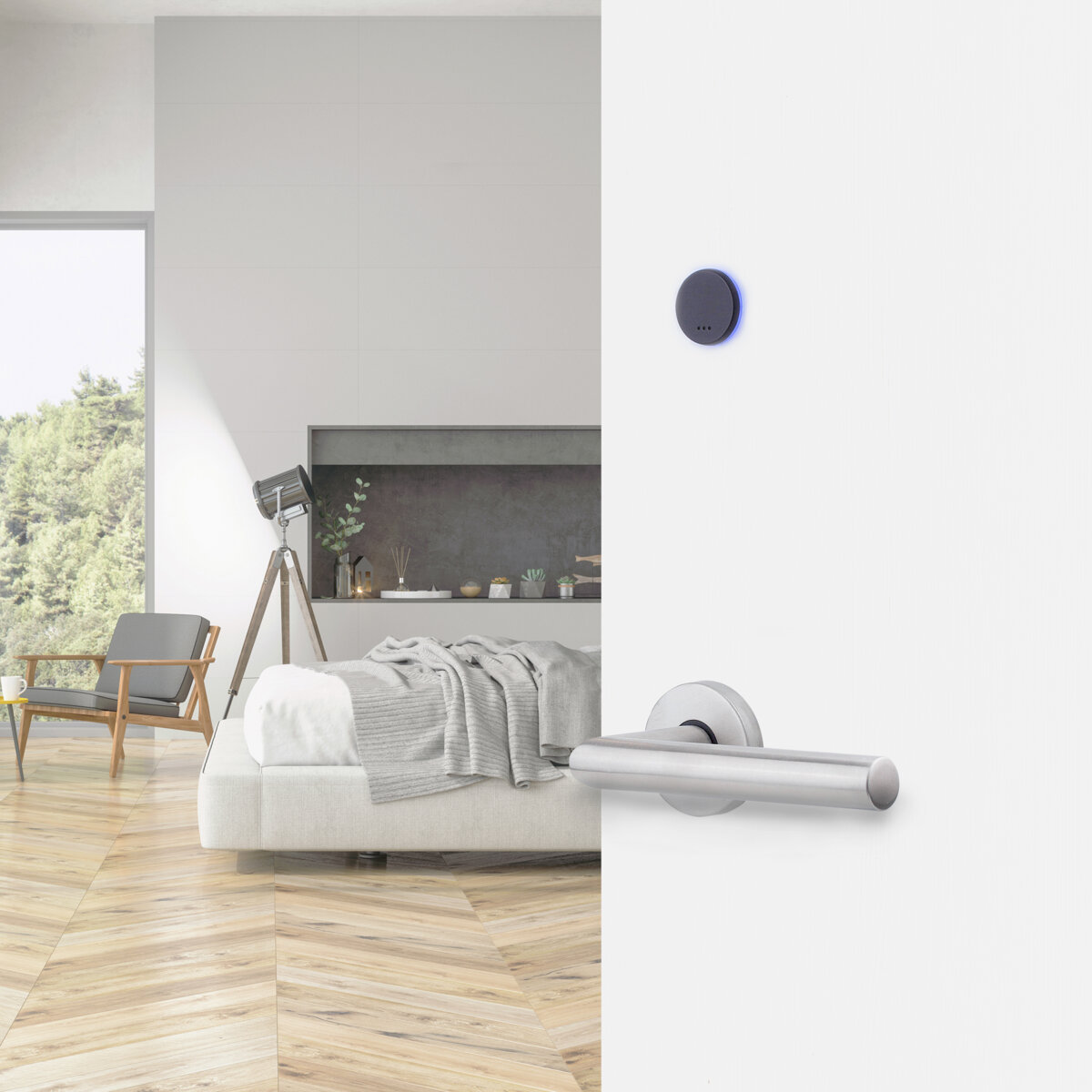
i‑minimal
Almost all of its parts are concealed inside the door. No drilling or wiring during installation.
View product


Contact
Need help choosing a lock?
Tell us about your property and its needs, and request a quote.
-
Ask a question
Fill in the contact form and we will get back to you.
Contact us -
Eshop B2B
For trade orders, continue to the NAL B2B Eshop.
Go to the B2B Eshop -
Call us
- Heraklion2810 244 947
- Athens210 990 4324
- Technical support6944 705 705